Edit videos right in your browser.
BriskClip (轻剪) is a lightweight video editor delivered as a Chrome extension and a web app. Record your screen, cut on a timeline, add captions and effects, and export MP4 — no install-heavy desktop software required.
Features
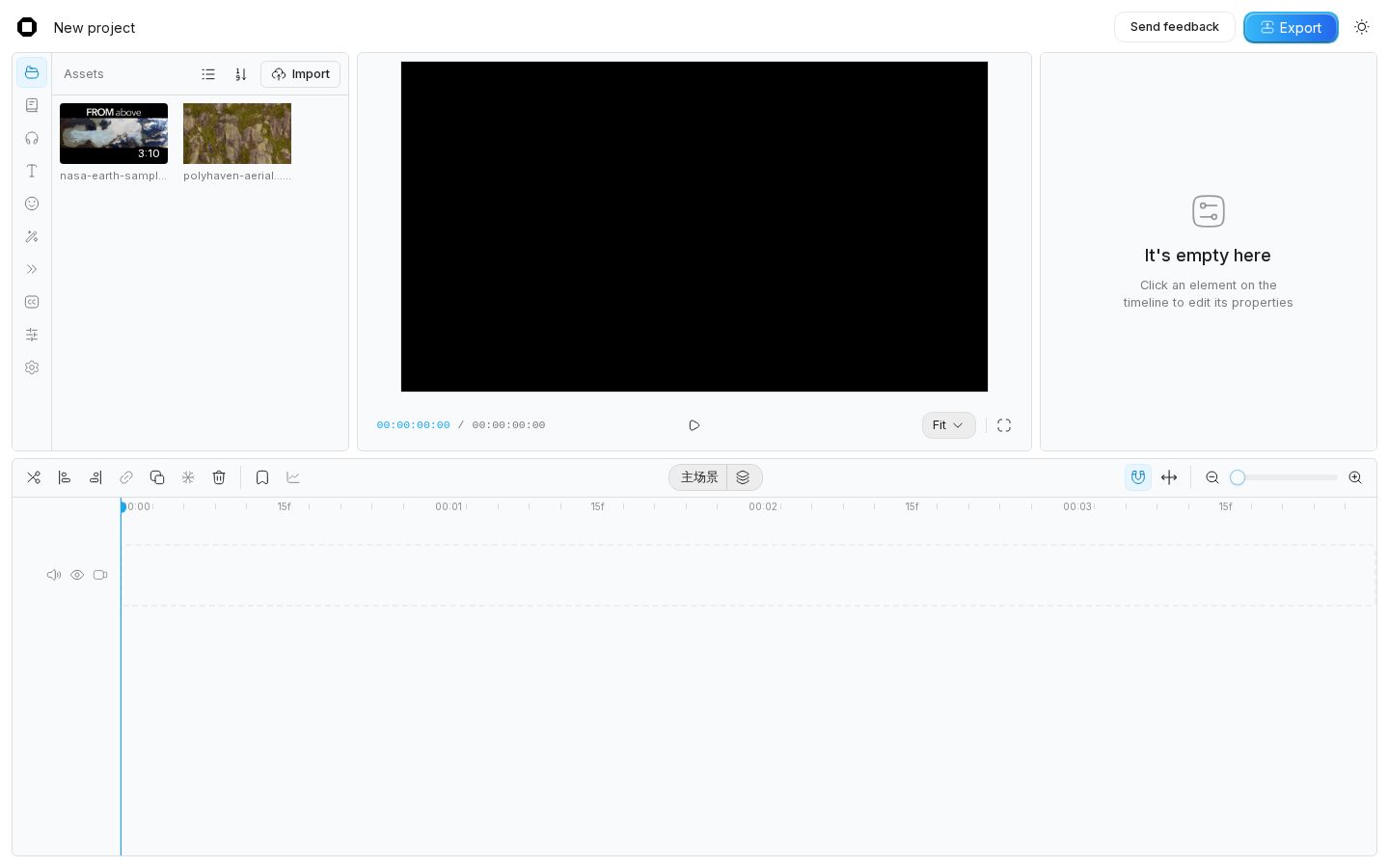
Timeline editing
Multi-track timeline with split, trim, move, snapping and keyframes.
Transitions
Smooth transitions between clips with adjustable duration.
Filters & effects
Color filters and visual effects applied in real time in the preview.
Auto captions
Generate captions from speech, then edit text and style on the timeline.
Screen & tab recording
Record a browser tab or your screen with the Chrome extension and drop it straight into a project.
Licensed asset library
Fonts, stickers, sound effects, images and video — every item carries its license and attribution.
H.264 export
Export standard MP4 (H.264) files that play everywhere.
Private by design
Your projects and media are processed locally in your browser.
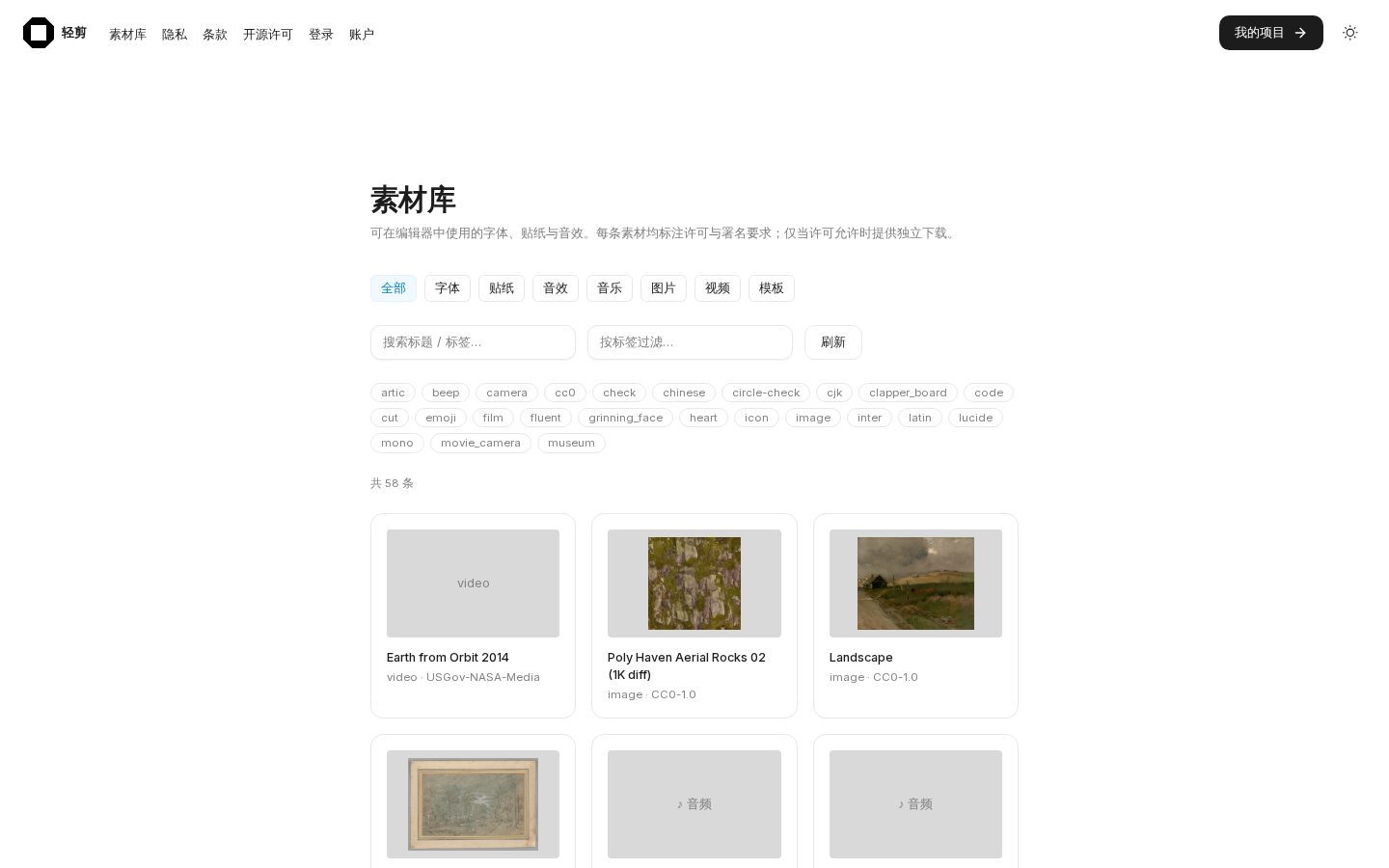
Built-in asset library
Browse open-licensed fonts, emoji stickers, icons, textures, sound effects and clips. License metadata is shown for each asset so you know exactly how it may be used.
Your projects, in one place
Create, reopen and manage projects from the project dashboard. Start free; upgrade to Pro for 1080p, no watermark and premium assets.
Compare Free and Pro